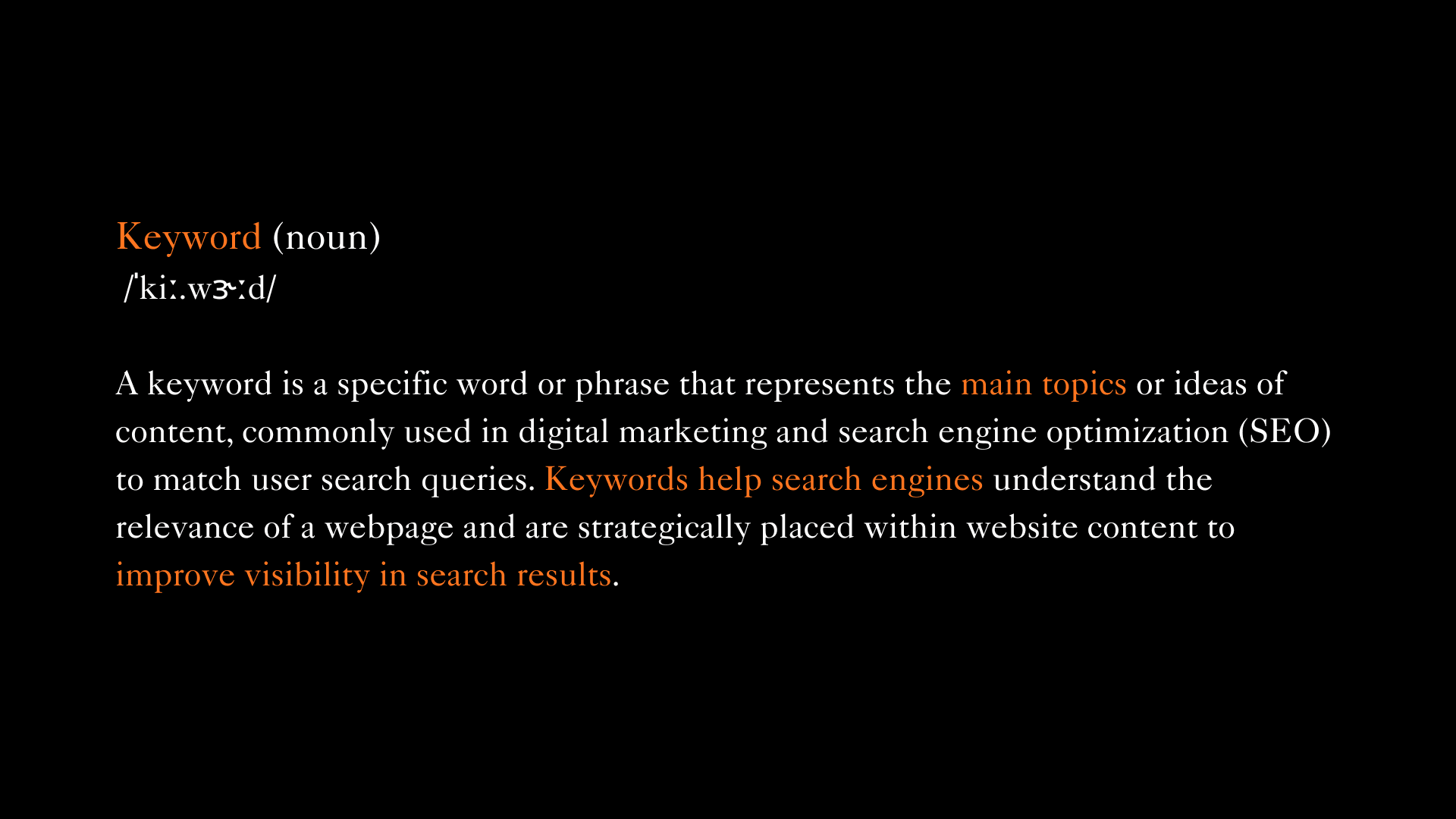

You've probably heard that keywords matter for SEO. You might have even sprinkled some into your content and hoped for the best. But here's what often happens: nothing changes. Your rankings stay flat. Your traffic doesn't budge.
The truth is simpler and more frustrating. Most people know keywords matter. Few understand where to put them, how many to use, or what makes a keyword worth targeting in the first place.
Keywords aren't magic spells you chant at Google. They're signals helping search engines understand what your content is about and whether it matches what people are searching for. When you use them strategically, keywords connect your content to people actively looking for exactly what you offer.
Let's talk about how to actually do this right.
Why Keywords Matter for SEO
Search engines are essentially massive matching systems. Someone types a query. The search engine scans billions of pages trying to find the best matches. Keywords are how search engines understand what your page is about and whether it's relevant to specific searches.
When Google crawls your website, it's reading your content and noting which terms appear, where they appear, and how they relate to each other. These patterns help Google determine your page's topic and whether it deserves to rank for particular searches.
Without strategic keyword use, search engines have to guess what your content is about. They might guess wrong. You've created something valuable that nobody finds because you didn't give search engines the signals they need.
The impact on rankings and traffic is direct. Pages optimized for the right keywords, placed naturally in strategic locations, consistently outrank pages with identical quality content but poor keyword optimization.
But here's what matters more: keywords affect whether you attract the right visitors. Ranking for irrelevant terms brings traffic that bounces immediately. Ranking for precisely relevant terms brings people ready to engage or become customers.
How to Find the Right Keywords
Before adding keywords anywhere, you need to identify which keywords are worth targeting. This requires research, not guessing.
Start with keyword research tools. Google Keyword Planner is free and shows search volume and competition. SEMrush, Ahrefs, and Ubersuggest provide more detailed data including what keywords competitors rank for.
Understanding search intent is crucial. Someone searching "buy running shoes" has different intent than "how to choose running shoes." The first wants to purchase now. The second needs education. Your content and keywords should match the intent you're targeting.
Choose between short tail and long tail keywords strategically. Short tail keywords like "running shoes" have massive search volume but intense competition and vague intent. Long tail keywords like "best trail running shoes for wide feet" have lower volume but clearer intent, less competition, and higher conversion rates.
New websites should focus primarily on long tail keywords where you can actually rank. Established sites with strong authority can target more competitive short tail terms.
Look for keywords with decent search volume, manageable competition for your site's authority level, and clear alignment with content you can create that genuinely helps searchers. A keyword with 10,000 monthly searches you'll never rank for is worthless. A keyword with 200 monthly searches you can rank for and that attracts your ideal customer is gold.
Where to Add Keywords on Your Website
Strategic placement matters more than sheer quantity. Search engines weight certain locations more heavily when determining what your page is about.
Page Titles: Your page title is the single most important keyword placement location. Include your primary keyword naturally in the title, preferably toward the beginning. "Best Trail Running Shoes for Wide Feet: 2025 Guide" is better than "A Guide to Shoes: Running on Trails."
Meta Descriptions: While meta descriptions don't directly impact rankings, they affect click through rates from search results. Include your primary keyword and compelling copy in roughly 155 characters.
Headers: Use keywords in your H1, the main headline. This should contain your primary keyword naturally. Use related keywords and variations in H2 and H3 subheadings. This creates topical relevance and helps search engines understand your content structure.
Body Content: Your primary keyword should appear naturally in the first 100 words, establishing topic immediately. Use it several more times throughout, but only where it fits naturally. Forced keywords that disrupt readability hurt more than they help.
Image Alt Text: Describe images accurately using relevant keywords where appropriate. "Trail running shoes on rocky mountain path" is better than "IMG_2847" or keyword stuffed nonsense.
URLs: Include your primary keyword in the page URL when possible. "yoursite.com/trail-running-shoes-wide-feet" signals relevance clearly. Keep URLs short, readable, and descriptive.
Internal Links: When linking between pages on your site, use descriptive anchor text including relevant keywords. Instead of "click here," use "check our guide to choosing trail running shoes."
The pattern across all these placements is natural integration that serves both search engines and human readers.
Best Practices for Keyword Integration
Adding keywords effectively requires balancing SEO value with readability and user experience.
Keep it natural and readable.
If adding a keyword makes a sentence awkward, rephrase or skip it. Content that reads well performs better than content stuffed with keywords that nobody wants to read. Search engines increasingly prioritize user engagement signals.
Maintain reasonable keyword density.
The old 1% to 2% rule provides a rough guideline, but modern SEO cares more about topical relevance and natural language. Your keyword should appear enough times that the topic is clear but not so often that it feels repetitive.
Use semantic and related keywords.
Search engines understand synonyms and related concepts. If your primary keyword is "running shoes," naturally incorporate related terms like "athletic footwear," "runners," "sneakers," and specific types. This creates richer topical signals than repeating one phrase endlessly.
Write for humans first, optimize for search engines second. Start by creating genuinely helpful, well written content. Then review and add keywords strategically where they fit naturally. This order prevents stilted, keyword obsessed writing that both readers and modern search algorithms reject.
Common Mistakes to Avoid
Keyword stuffing is repeating keywords unnaturally often to manipulate rankings. "Our running shoes are the best running shoes because these running shoes are designed for running shoe enthusiasts who need quality running shoes." This reads terribly and search engines penalize it.
Ignoring user experience for SEO optimization backfires. If your content is hard to read or fails to help visitors, they'll leave quickly. High bounce rates signal poor quality to search engines, harming rankings despite keyword optimization.
Focusing only on head terms while ignoring long tail opportunities leaves easy wins on the table. Competing for "shoes" against Nike is futile for most sites. Targeting "best minimalist trail running shoes for beginners" is achievable and attracts people closer to conversion.
Using the same keyword for multiple pages creates internal competition. If three pages target "trail running shoes," search engines struggle to determine which should rank, often diluting all three. Each page should have a distinct primary keyword focus.
Setting and forgetting keyword strategy ignores that search behavior evolves. Regular review and updating keeps your keyword strategy effective.
Tools to Help with Keyword Optimization
Google Keyword Planner is free through Google Ads and provides search volume data, competition levels, and keyword suggestions.
SEMrush and Ahrefs are professional SEO platforms offering comprehensive keyword research, competitor analysis, and ranking tracking. Pricing starts around $100 monthly, worthwhile for serious SEO efforts.
Ubersuggest offers similar functionality at lower cost, around $30 monthly, with a limited free tier.
Yoast SEO for WordPress analyzes your content as you write, suggesting keyword optimization improvements and readability enhancements. The free version handles basic optimization well.
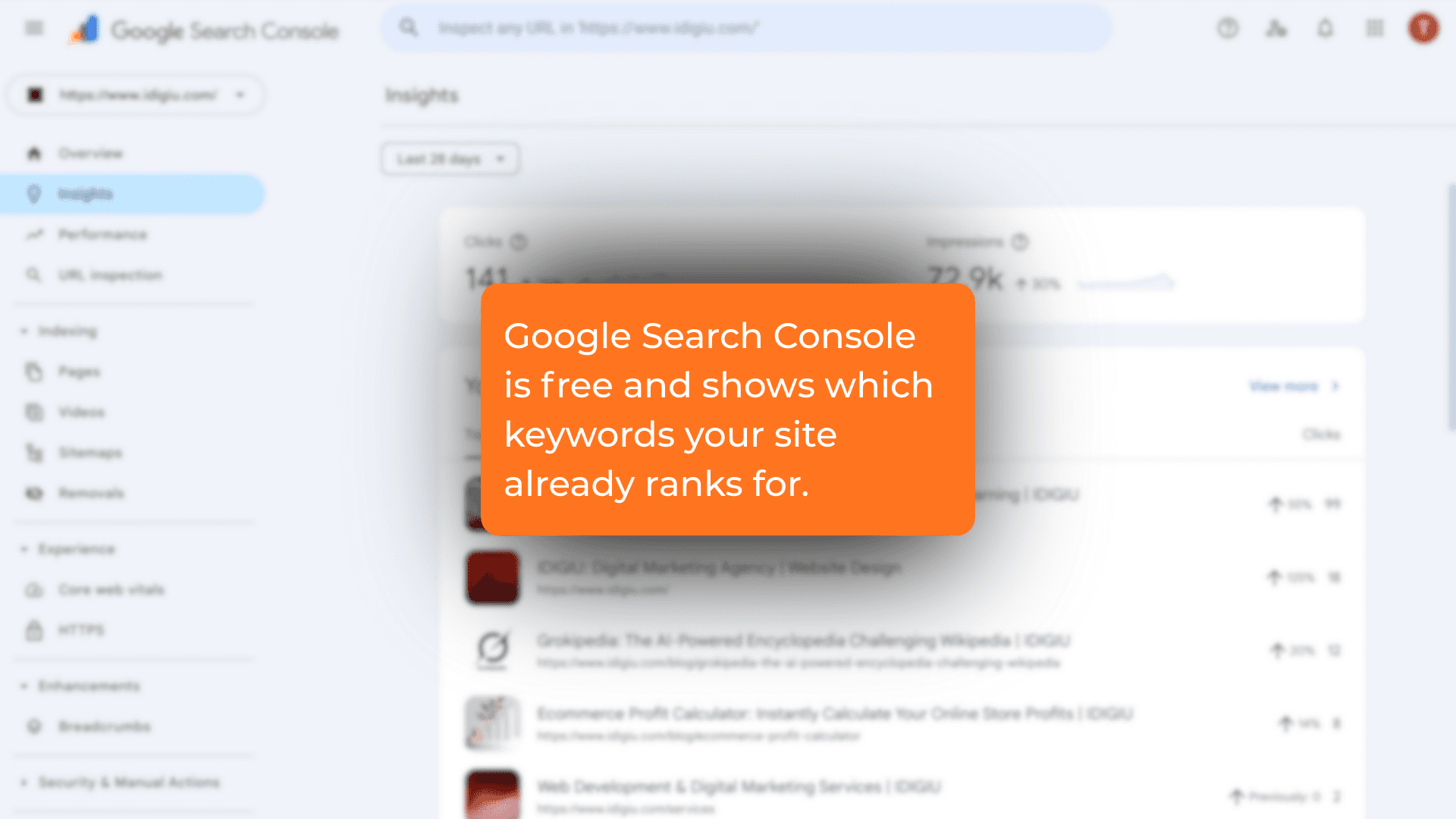
Google Search Console is free and shows which keywords your site already ranks for, which pages get clicks, and where opportunities exist. This is invaluable for understanding what's working.
Start with free tools like Google Keyword Planner and Search Console. Invest in paid tools as your SEO becomes more strategic and the ROI justifies the cost.
Conclusion
Adding keywords to your website isn't complicated, but it requires strategy and discipline. Research keywords your audience actually searches for. Place them strategically in titles, headers, content, and technical elements. Integrate them naturally without sacrificing readability. Avoid stuffing, maintain focus with one primary keyword per page, and use tools to guide optimization.
The most important principle is balance. Keywords help search engines understand and rank your content, but only if that content genuinely helps people. Write valuable content first, optimize strategically second.
SEO is not set and forget. Search behavior evolves. Competitors optimize. Your keyword strategy needs regular review based on performance data.
Start with one page. Research keywords thoroughly. Optimize strategically. Measure results. Learn what works for your specific site and audience. Build from there.
Done right, keyword optimization is the bridge connecting your valuable content to the people searching for exactly what you offer.
FAQs
How many keywords should I use on each page?
Focus on one primary keyword per page, the main term you want to rank for. Include 3 to 5 related secondary keywords and semantic variations naturally throughout the content. Using too many unrelated keywords confuses search engines and dilutes ranking potential.
What is keyword stuffing and why is it bad?
Keyword stuffing is unnaturally repeating keywords excessively to manipulate search rankings. It makes content awkward to read and provides no value to visitors. Search engines penalize keyword stuffing because it degrades user experience. Modern SEO rewards natural language and comprehensive topic coverage over keyword density.
How do I know if I'm using the right keywords?
Track performance in Google Search Console to see which keywords drive traffic and where you rank. Check if the traffic you receive converts. If visitors immediately bounce, those keywords aren't valuable. Review competitor rankings to ensure keywords are achievable for your site's authority level.
Can I add the same keyword to multiple pages?
Avoid targeting the same primary keyword on multiple pages. This creates internal competition where your pages compete against each other. Instead, target distinct keyword variations across pages. One page optimizes for "trail running shoes," another for "best trail running shoes for beginners," another for "waterproof trail running shoes."
How often should I update my keyword strategy?
Review keyword performance quarterly at minimum. Check Google Search Console for ranking changes and new opportunities. Revisit keyword research annually or when making significant content updates. Monitor continuously for major shifts and adjust immediately when needed.